
Amazon Main Image Requirements and Common Rejection Reasons
Your main image decides whether shoppers click. Here are the rules that apply, why images get rejected and how to deliver one that gets approved and sells.

- Published
- Reading time
- 1 min
Contents
The main image decides whether your listing gets clicked at all
The Amazon main image requirements are simple to state, yet many images still fail them: white background, product in focus, no extras. The main image appears in search results, in ads and on the detail page. For many shoppers it is the only thing they see before they click.
Two things matter. First, the image must meet the guidelines, or it will be rejected or the listing suppressed. Second, it must hold its own against direct competitors in the results. A compliant but blurry or small product shot wastes clicks.
Guidelines can differ by category and Amazon updates them. Before every production, check the current rules in Seller Central for your category.
These rules apply to almost every main image
The core points in most categories:
- Pure white background (RGB 255, 255, 255), no gradient, pattern or scene.
- A real photo or photorealistic rendering, not a drawing or sketch.
- The product fills most of the frame. Amazon recommends about 85% of the image area.
- No text, logos, watermarks, badges or seals in the image. A brand may only show if it is on the product or its packaging.
- Only what is in the box. Accessories or props the buyer will not receive do not belong in the image.
- Sufficient resolution: For the zoom function Amazon recommends at least 1000 pixels on the longest side. Larger is better as long as the image stays sharp.
- The product is fully visible and not cropped.
Apparel and some other categories have extra rules, for example for models, ghost mannequins or angles.
The most common reasons for rejection or suppression
We keep seeing the same mistakes:
- Background not pure white. A slight grey cast from poor cutouts or lighting is enough. On a monitor it often looks fine.
- Too much margin. The product looks small and details vanish in the thumbnail.
- Text or graphics in the image. Claims like "Bestseller" or "New" and icons belong in the secondary images, not the main one.
- Accessories that are not included. Showing a camera with lens and tripod when you only sell the body invites complaints and returns.
- Cropped products or harsh reflections. It looks unfinished and hides details.
- Several products where only one is sold. For sets, the image must show exactly the set.
- Artificial cutouts with edges and halos. They show up when shoppers zoom in.
If an image was rejected, Amazon usually states the reason. Fix exactly that point and re-upload instead of changing things blindly.
Compliant is not enough: how a main image wins the click
Every competitor also has a white background. The difference is in the execution:
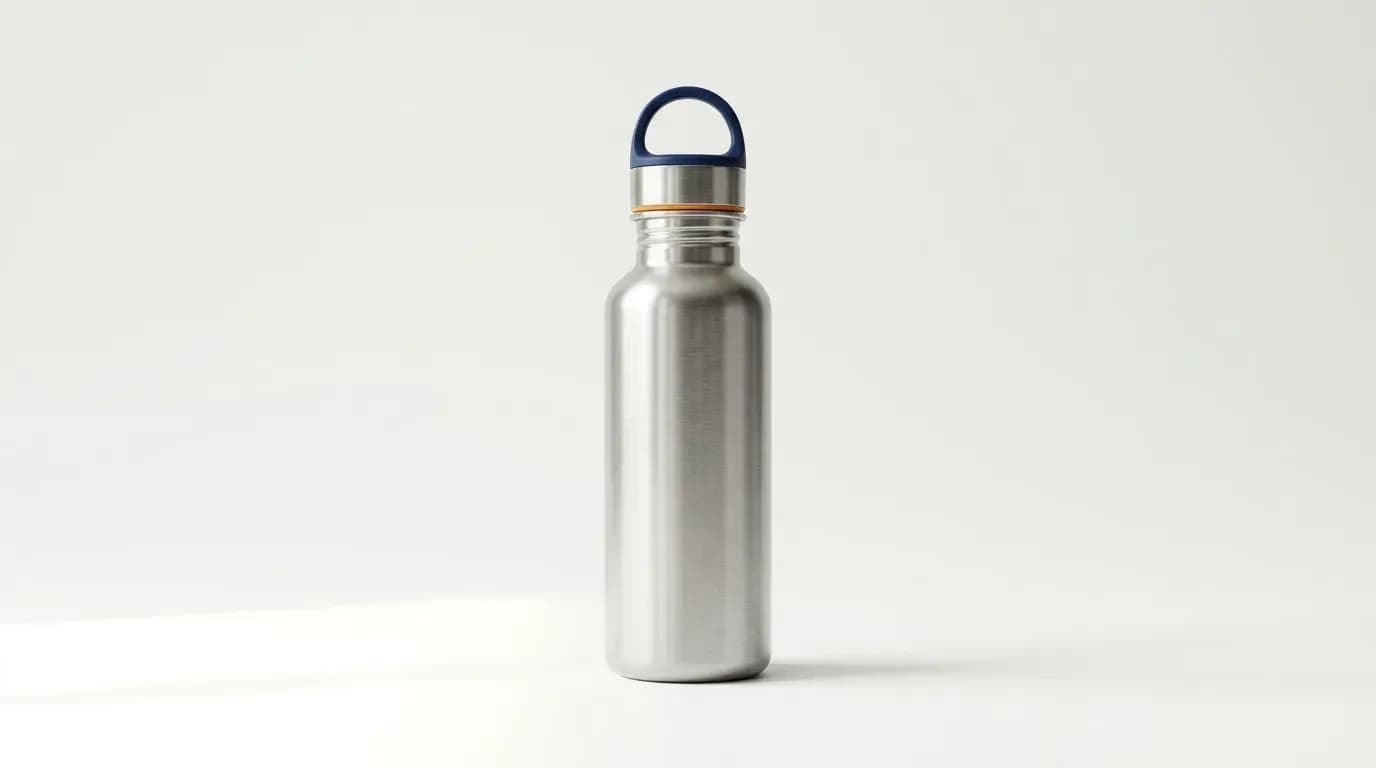
- Angle: Choose the perspective that makes the product instantly recognizable. For bottles, boxes or devices that is often a slightly raised three-quarter view.
- Light and shadow: Soft light and a subtle natural shadow give volume. A flat image looks cheap.
- Material feel: Surfaces like metal, glass or fabric need targeted lighting and clean retouching so shoppers can almost feel them.
- Readability at small size: Check the image at stamp size on a phone. Can you see shape, color and the key feature in one second?
- Differentiation: Look at the top results for your main keyword. What stands out, what is missing?
If you have access to Manage Your Experiments, test image variants. Real data beats gut feeling.
Your pre-upload checklist and the next step
Run through these points before uploading:
- Background is pure white, including edges and beneath the product.
- Product fills the frame, nothing is cropped.
- No text, logos, badges or watermarks in the image.
- Only the items in the box are shown.
- Image is sharp, at least 1000 pixels on the longest side.
- Impact checked as a thumbnail on a phone.
- Current category rules in Seller Central re-read.
If you want professional images produced for you, see our Amazon product photos service. To discuss how images, copy and layout work together, get in touch.
- Amazon Hauptbild
- Produktfotos
- Bildrichtlinien
- Listing
Keep reading
 Amazon Product Photography
Amazon Infographics: Layout, Copy and Mistakes to Avoid
Good infographics answer one buying question per image and stay readable on a phone. Here is how to build images 2 to 7 and avoid the usual mistakes.
 Reza1 min read